Glam Fashion Stylist Dress Up
Reviews
Glam Fashion Stylist Dress Up is a fantastic free online game that offers incredible variety and creativity. With six diverse dolls and hundreds of clothing items, you can create countless unique outfits. The interface is user-friendly, and the screenshot feature makes sharing easy. It’s a safe, family-friendly game that encourages imagination and style. Highly recommended for anyone who enjoys fashion games!
Description
Game Introduction
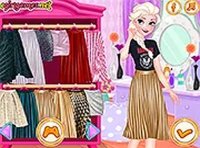
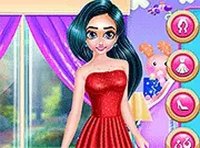
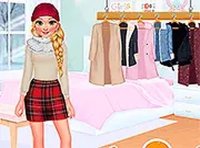
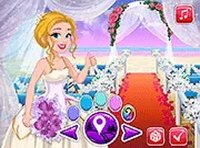
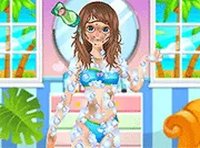
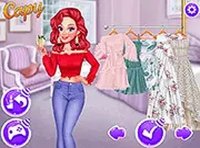
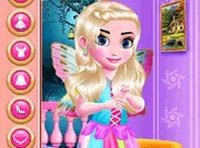
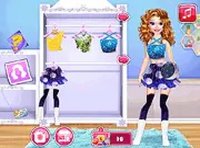
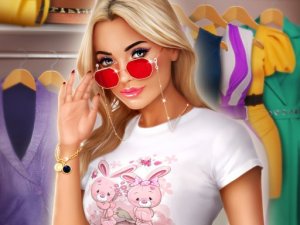
Glam Fashion Stylist Dress Up is a free online dress-up game designed for fashionista girls who love creativity and style. With a huge selection of clothing items completely free of charge, you can pick any of the six superstar women and put together great outfits using hundreds of items. Choose from 100 tops, 100 skirts, 40 fancy hairstyles, 6 backgrounds, and over a hundred accessories to create millions of unique looks. Whether you dream of becoming a fashion designer or just want to have fun, this game offers endless possibilities. Unlike many other apps, you never have to buy anything—everything is available for free. Press the camera button in the top-right corner to take screenshots and share your creations with friends at school to show off your fashionista talents!
How to Play
Playing Glam Fashion Stylist Dress Up is easy and fun. Start by selecting one of the six dolls, each with different races and styles. Then, browse through the extensive wardrobe to pick tops, skirts, hairstyles, and accessories. Mix and match items to create trendy outfits that reflect your personal taste. You can also change the background to set the scene for your fashion masterpiece. Once you are happy with your creation, click the camera icon in the top-right corner to take a screenshot. Share your designs with friends and family to inspire others. The game is intuitive and perfect for all ages, with no complicated rules—just pure creative fun!
Game Features
6 dolls of different races, 100 tops, 100 skirts, 40 hairstyles, 6 backgrounds, and hundreds of accessories for millions of outfit combinations.
Tips for Success
To make the most of your fashion styling experience, try experimenting with unexpected color combinations to discover unique looks. Use the camera feature to save your favorite outfits and track your progress over time. Don't be afraid to mix different styles—combining casual and formal pieces can create standout designs. Finally, share your creations with friends for feedback and inspiration.